Logo colour check · your logo kit v2 against the chosen crimson
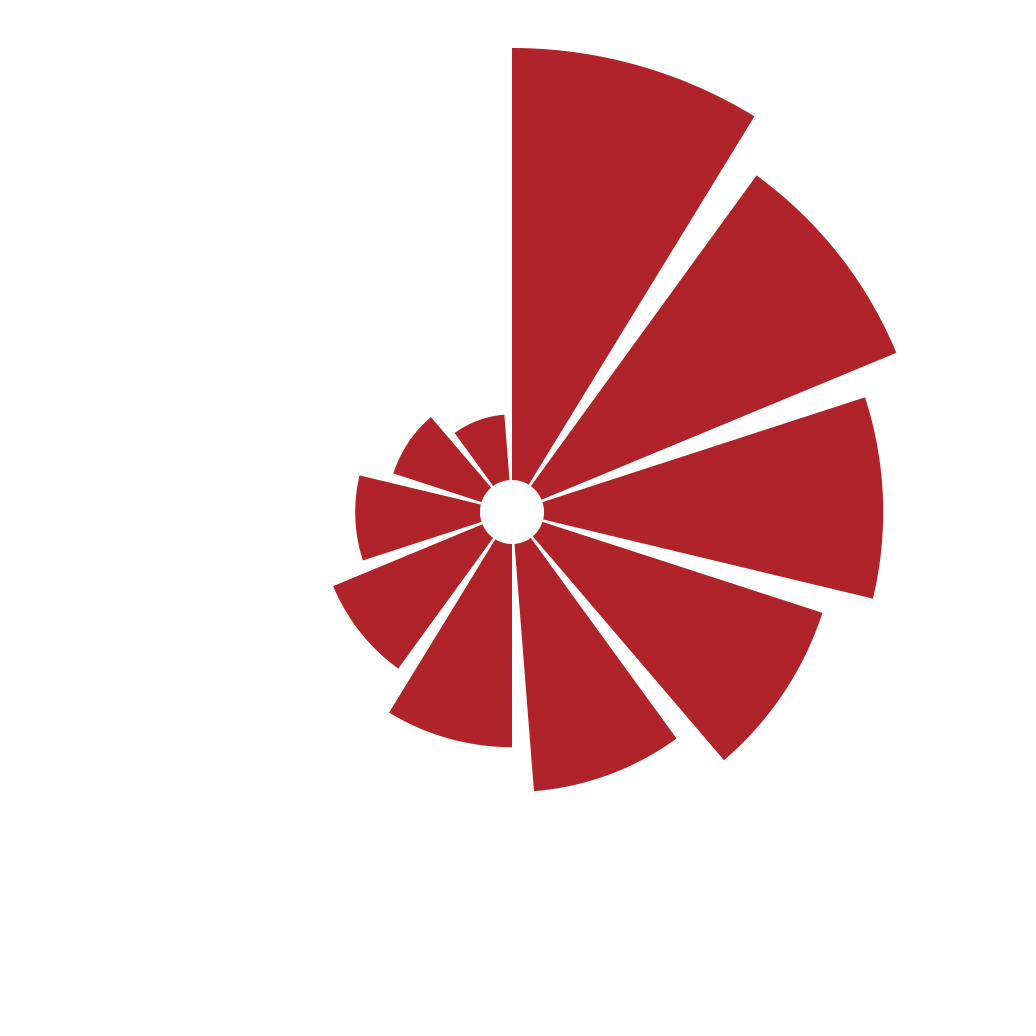
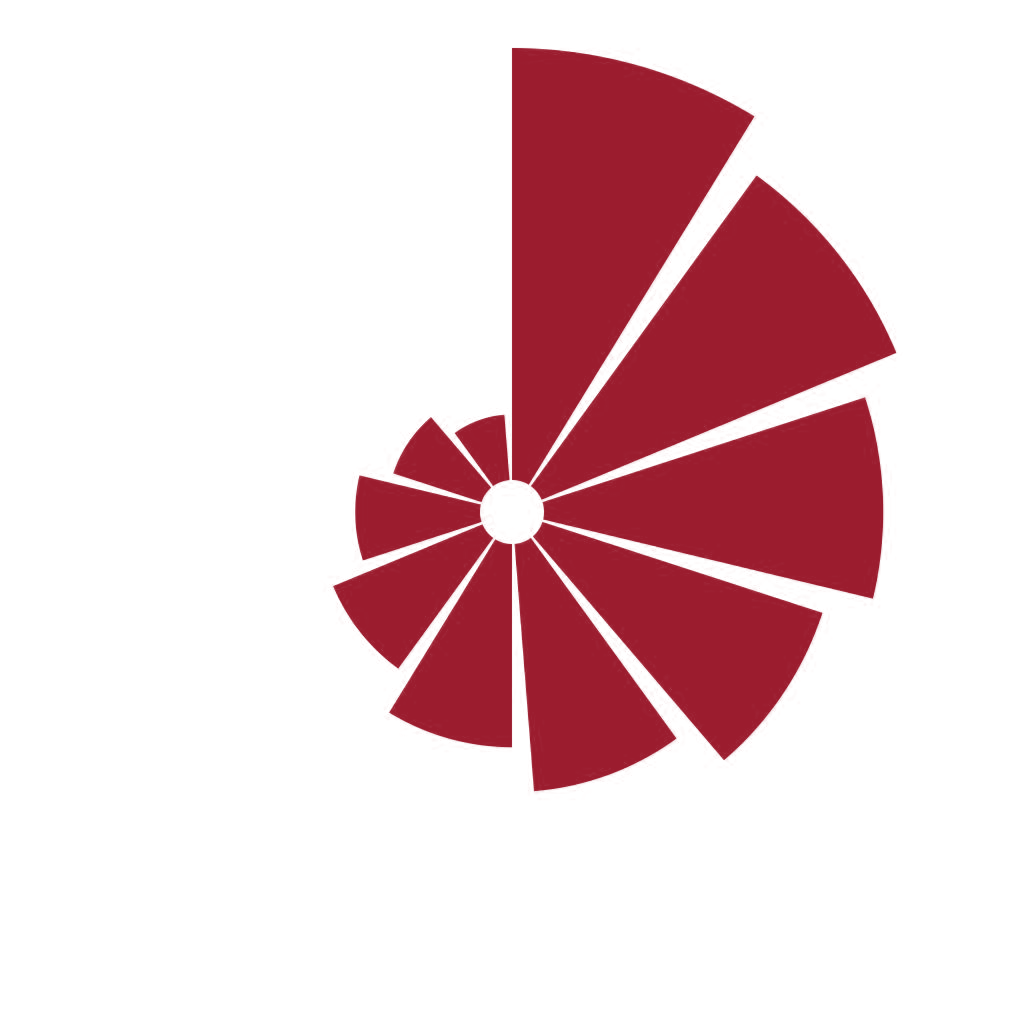
The logo kit you shared uses #B0232A (README and every PNG). The brand now uses deep crimson #9B1C2E. Side by side the difference is clearly visible: the kit red is lighter and slightly warmer.
Left: your PNG as supplied. Right: the same PNG recoloured to crimson, with no other change.


The real risk: the old logo in the nav next to new crimson buttons. Look at the two reds together.
Apply now
Apply now| Check | Status | Detail |
|---|---|---|
| Colour matches the brand red | No | All coloured files are #B0232A (PNG pixels read #B0232B from rounding). Brand is #9B1C2E. ΔE 5.9. |
| Symbol geometry | Yes | 10 leaves, same rotation as the official symbol. No change needed. |
| Wordmark typeface | Yes | Libre Baskerville Regular, as the brand specifies. |
| Vector (SVG) files included | No | The README lists SVGs, but the zip contains only PNGs. |
| Wordmark outlined | No | README says to outline before print; not possible to check without SVGs. |
| Transparent backgrounds | No | The coloured PNGs sit on solid white, so they show a white box on paper or dark backgrounds. |
| Black and reverse versions | Yes | Present: *_black.png and *_reverse.png. |
| Favicon sizes | Yes | 16, 32, 48, 180, 192, 512 present (also red #B0232A). |

They do not match. The difference is small in isolation but obvious when the logo sits next to crimson buttons or panels, which happens on every page. Three ways to resolve it:
One red everywhere. The new logo kit (being built now) ships SVGs and transparent PNGs in #9B1C2E, with an outlined wordmark.
Logo stays untouched, but you lose the darker, calmer red you asked for, and it is brighter next to the wine levels.
Logo in #B0232A, interface in crimson. Not recommended: two nearly identical reds look like a mistake.